
Service providers for your home
"Who fixed the sink last time, and what did it cost?" A Service Providers collection holds the plumber, HVAC company, electric company and anyone else you hire or pay. Each visit gets logged against them, and you can link them to your home.
You'll need: the myStuf app, signed in. Linking to a home uses a Home Inventory (see Build a home inventory).
-
Add a provider
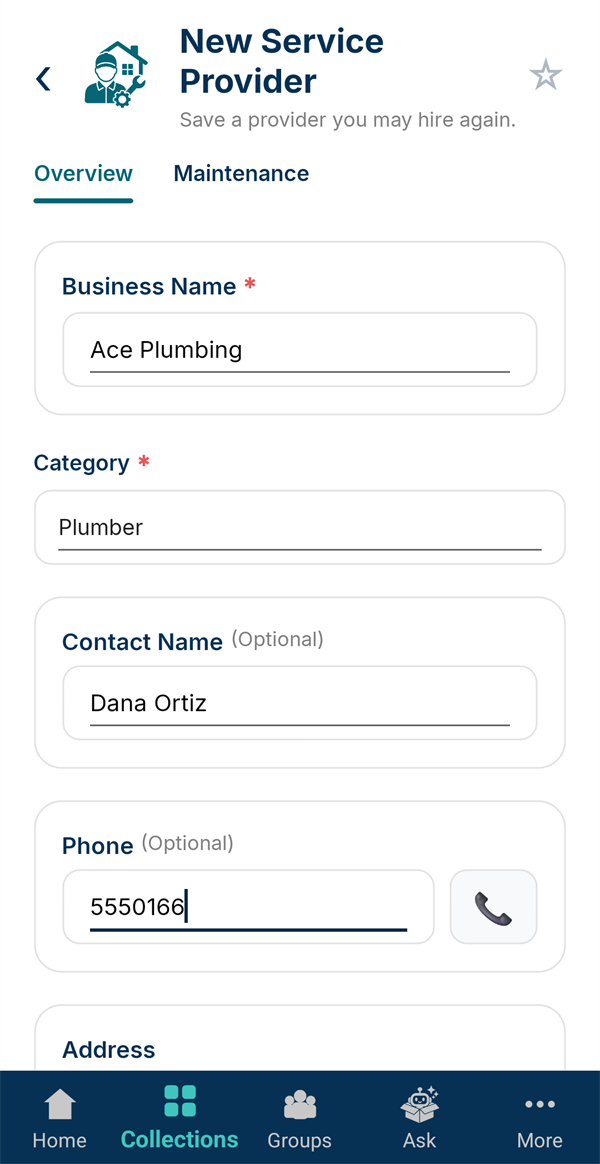
Create a Service Providers collection (for example "Home Services") and tap + New Provider. Enter the Business Name and Category, like Plumber, HVAC or Electric Company, plus a contact and phone. Tap Save Provider.
-
Build your list
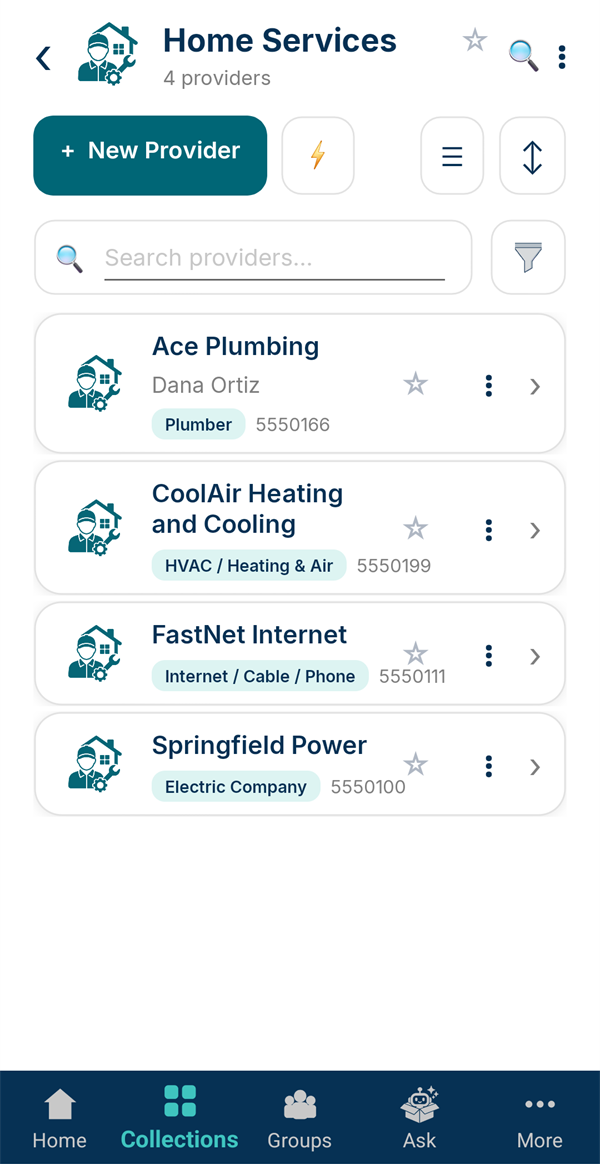
Add everyone you rely on. The list shows each one's category and phone number, and you can search it or star your favorites.
-
Log a service visit
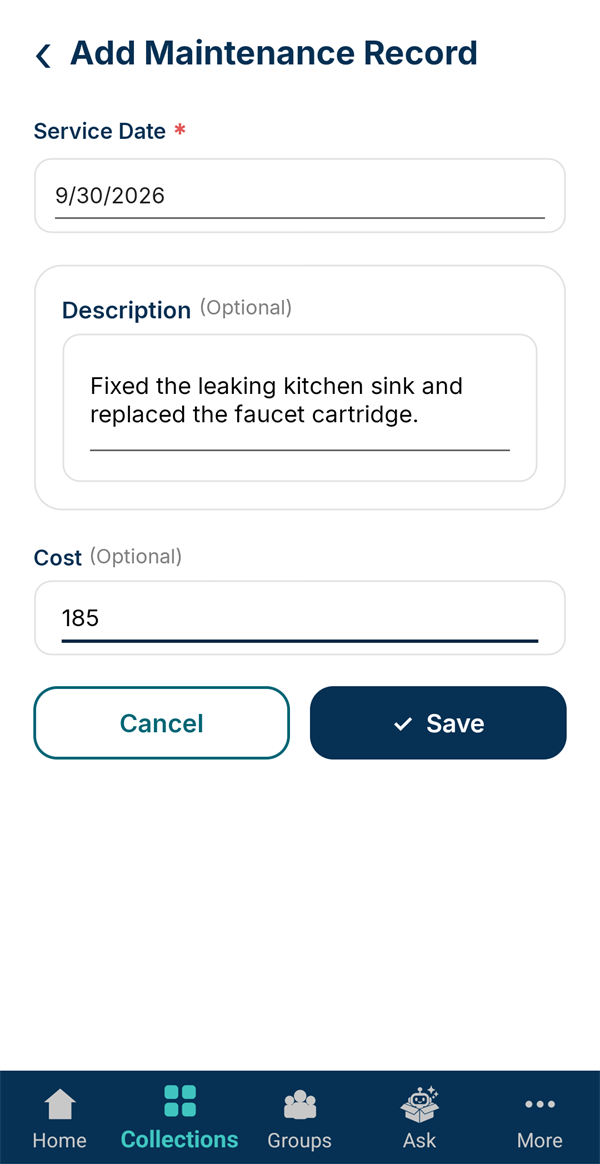
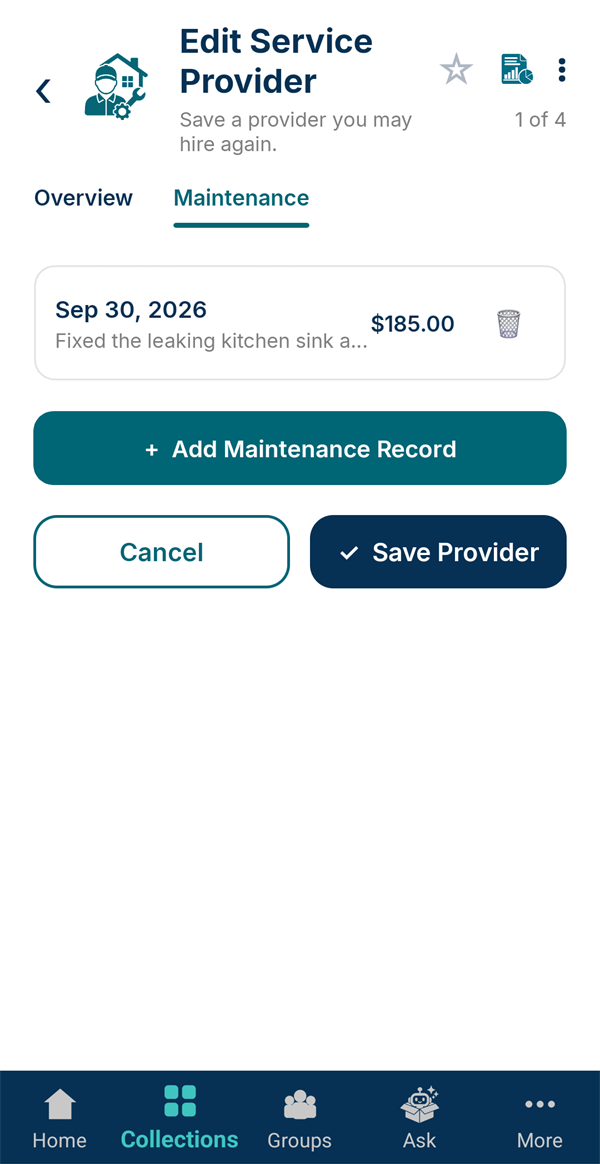
Open a provider and switch to the Maintenance tab. Tap + Add Maintenance Record and enter the date, what was done and the cost.
-
Their history, in one place
Every visit is listed with its date and cost, so next time you know who to call and what to expect to pay.
-
Link your utilities
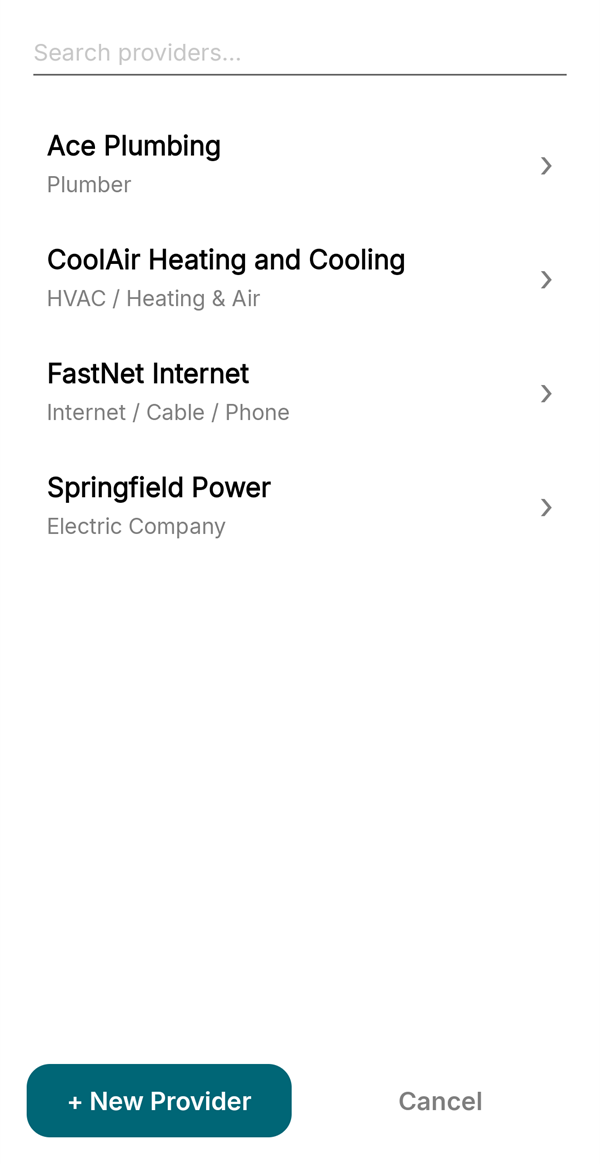
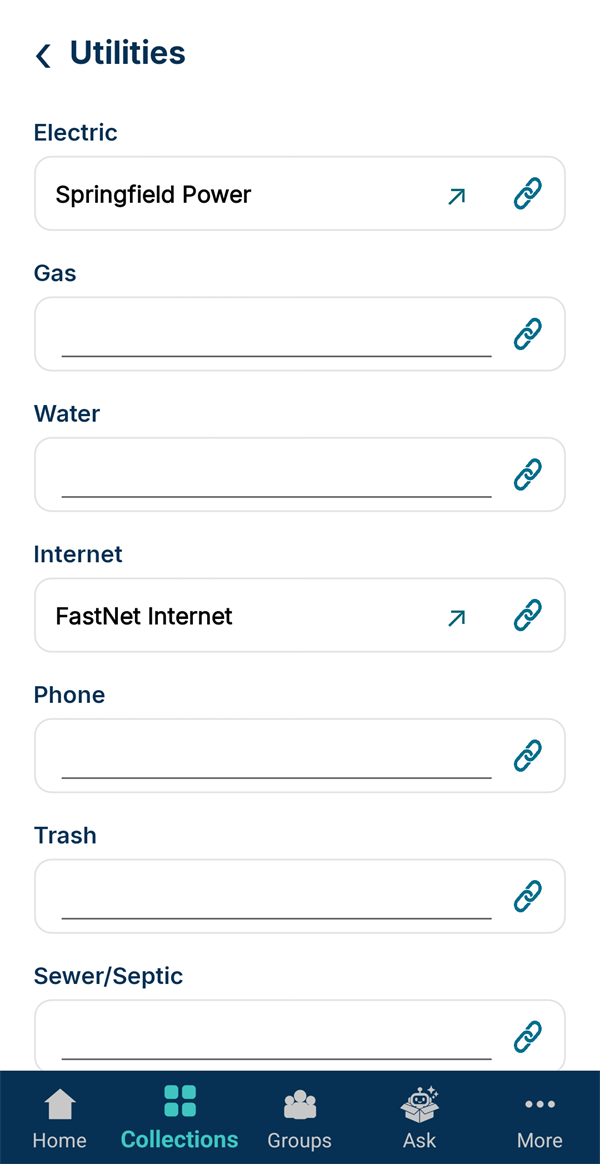
Open your home in Home Inventory, go to Details → Utilities, and tap the link icon beside Electric, Gas, Water, Internet and the rest. Pick the provider from your list.
-
One tap to the right company
Linked providers show by name, and the ↗ opens their details. Tap Save. Anyone looking after the house can now see who supplies what.
Vehicles work the same way: link a car's Insurance Provider to your insurer.
-
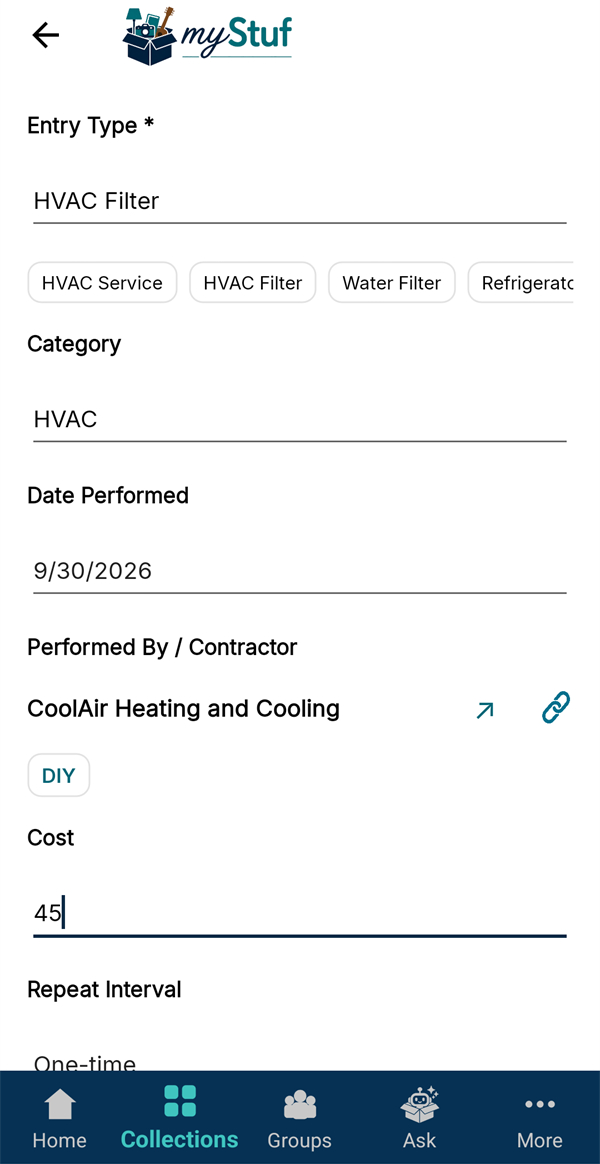
Credit home maintenance
When you log work on the house itself, on the home's Maintenance tab, tap the link icon beside Performed By / Contractor to pick who did it. (Or tap DIY if it was you.)