
Set up your people
A person in myStuf is more than a contact card. Their page pulls together everything that involves them: birthdays, family, sizes, gift ideas, the medications they take and the doctors they see. Start by adding the people you look after.
You'll need: the myStuf app, signed in. Works on every plan.
-
Open People
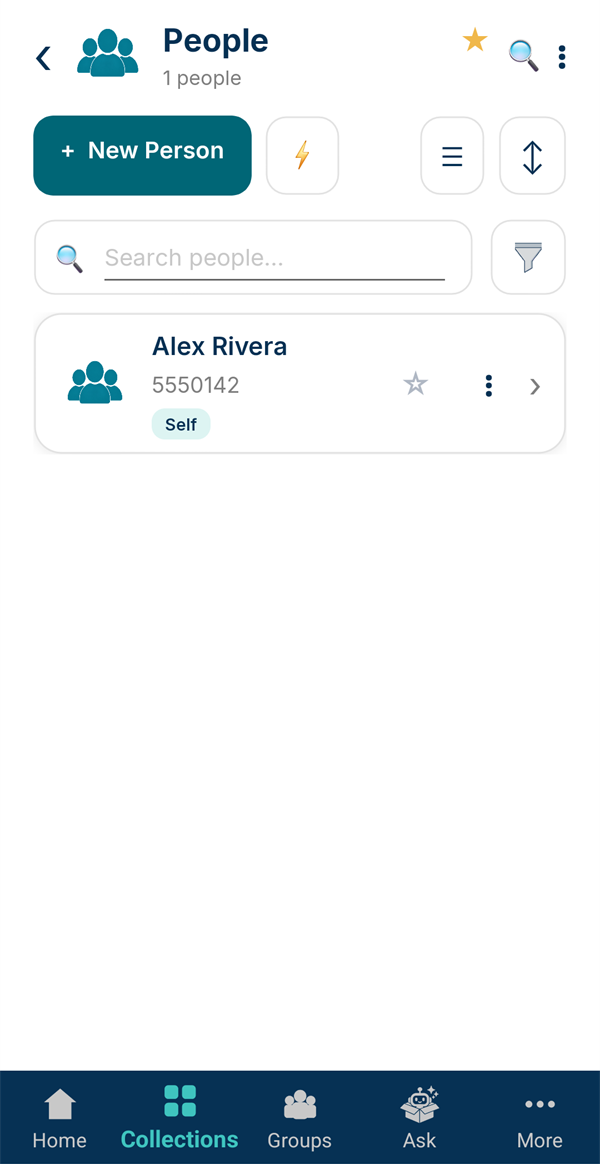
Every account starts with a People collection holding one entry already: you, marked Self. Find it under Collections, or on Home if you've starred it.
Tap + New Person to add someone.
-
Add their details
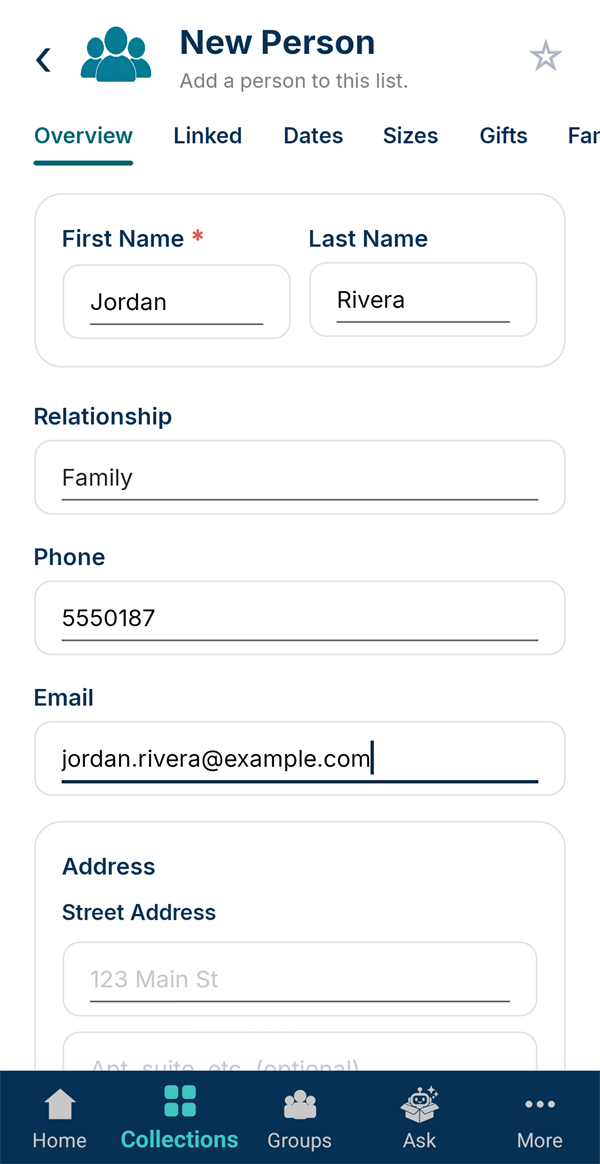
A first name is all that's required. Set Relationship (Family, Friend, Neighbor and so on) and add a phone, email and address if you have them. Tap Save Person.
-
Add a birthday
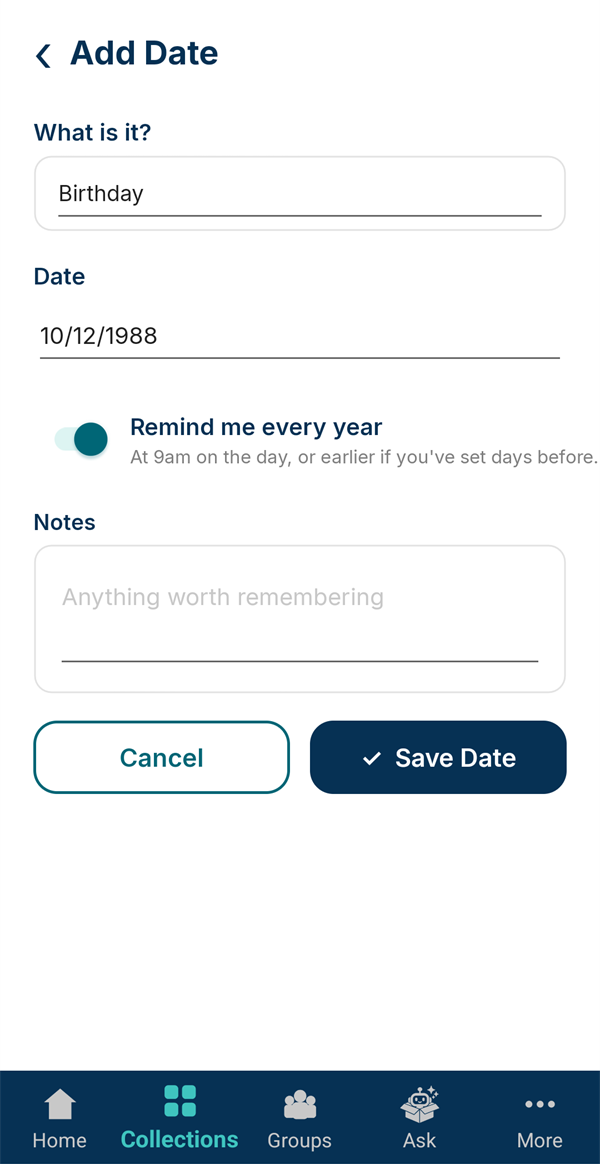
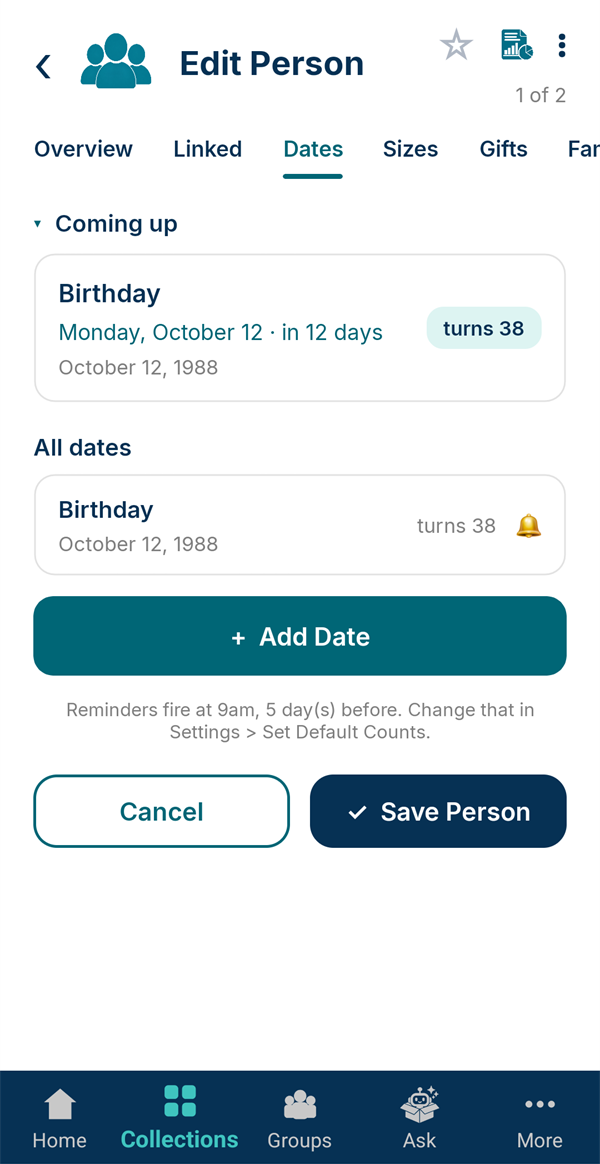
Open the person again and switch to the Dates tab. Tap + Add Date, pick Birthday from the common choices and set the date.
Remind me every year is already on for birthdays and anniversaries. Tap Save Date.
-
See what's coming up
Coming up shows when each date next comes round, how many days away it is, and how old they'll turn. You'll get a notification ahead of time.
-
Link your family
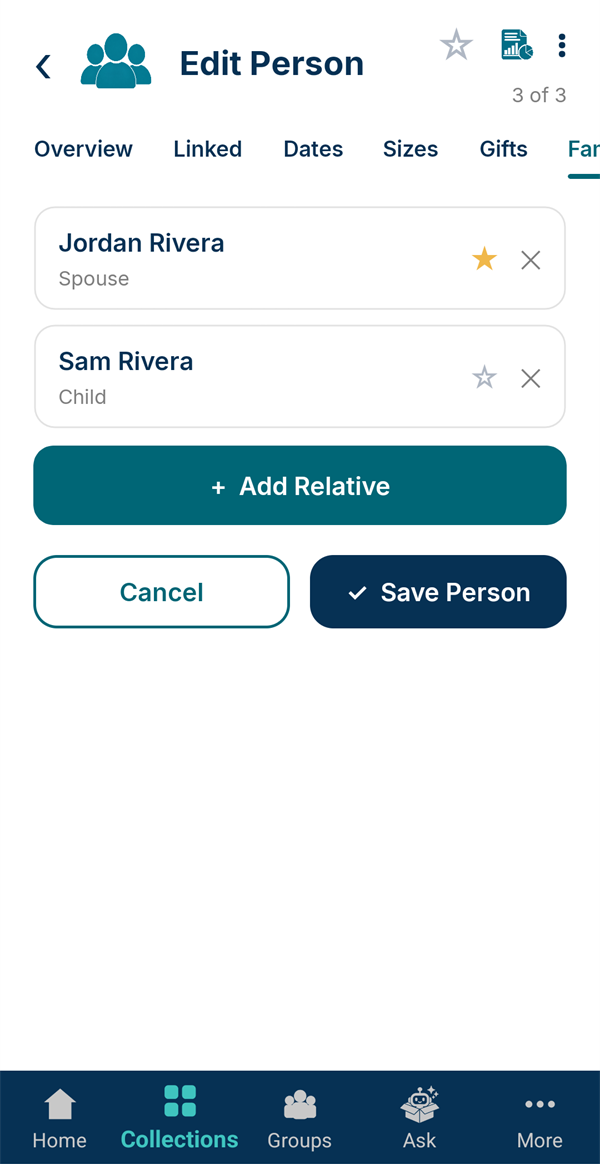
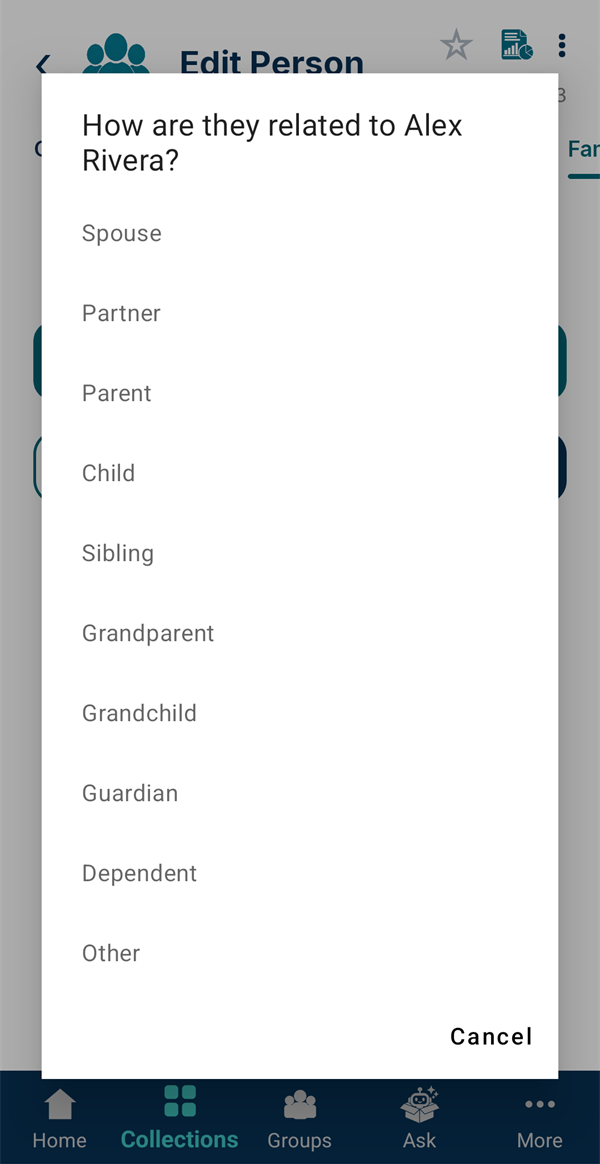
On your own page, open the Family tab and tap + Add Relative. Pick the person, then say how they're related: Spouse, Parent, Child and so on.
You only record it once. Add Sam as your Child and Sam's page shows you as their Parent.
-
Choose emergency contacts
Tap the ☆ beside a relative to make them an emergency contact. They'll appear on this person's Emergency card: one page with their details, blood type, medications, doctors and who to call, ready to print or share.