
Track medications for a person
Keep every prescription in a Medications collection, and link each one to whoever takes it. Then it shows up on their page and their emergency card, and myStuf reminds you before it runs out.
You'll need: the myStuf app, signed in, and the person already in People (see Set up your people).
-
Create a Medications collection
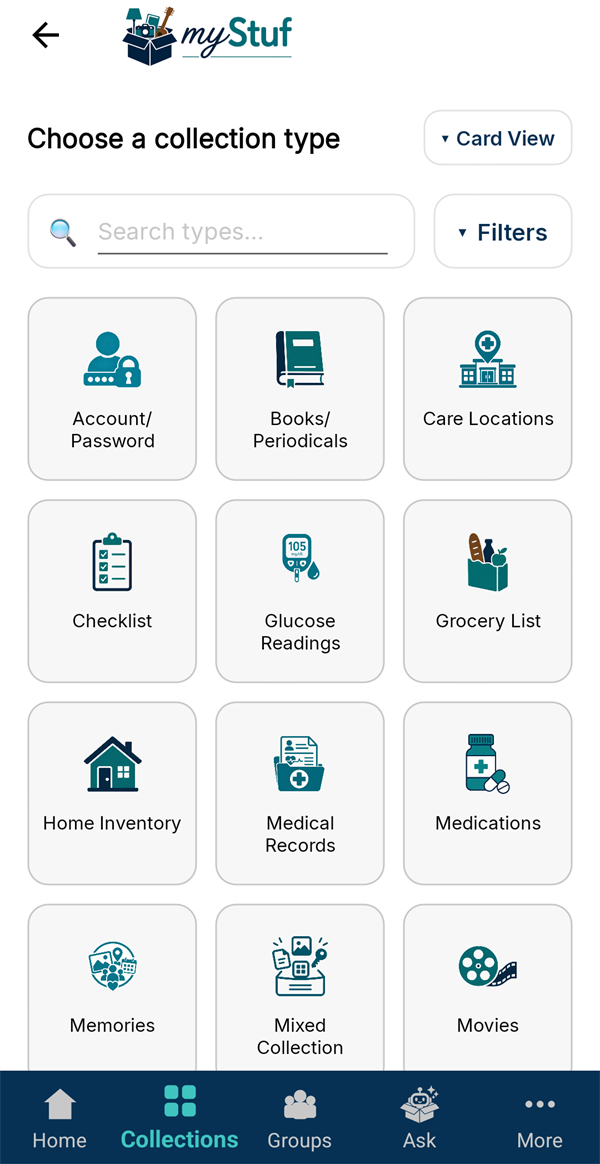
Go to Collections → + New Collection, tap Medications and name it, for example Family Medications. One collection can hold everyone's prescriptions.
-
Add the medication
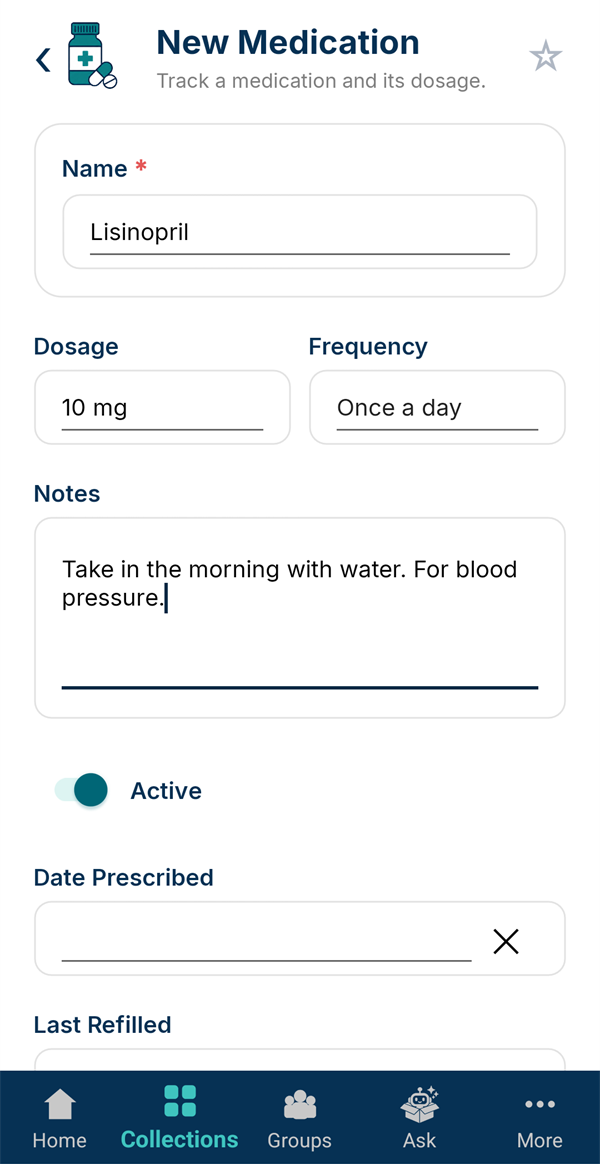
Tap + New Medication. Enter the Name, the Dosage and how often it's taken under Frequency. Leave Active on while it's being taken.
-
Link who takes it, and set a refill reminder
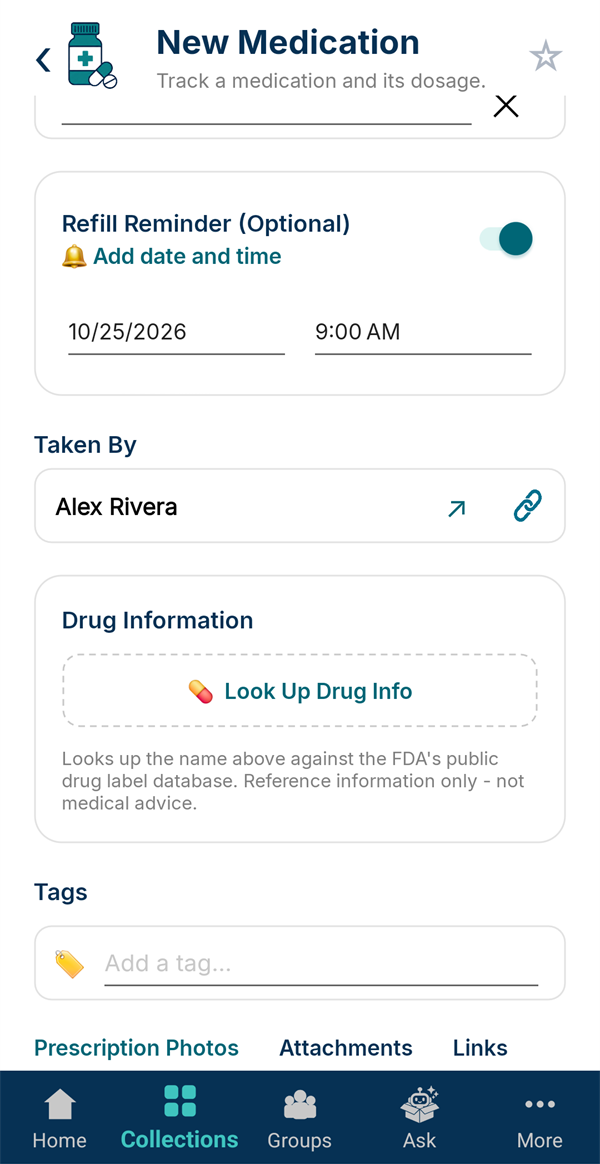
Under Taken By, tap the link icon and pick the person from People.
Switch on Refill Reminder and pick when you'll need to reorder. You'll get a phone notification then. Look Up Drug Info pulls up the FDA's label for reference.
Have the bottle handy? Add a picture of the label under Prescription Photos.
-
Save it
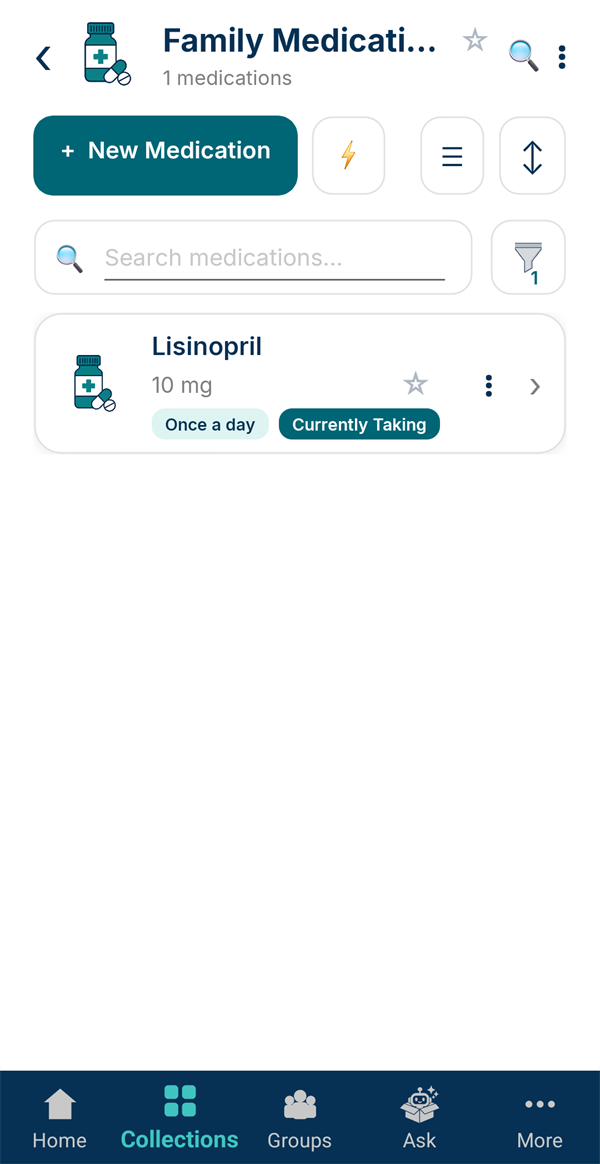
Tap Save Medication. The list shows dosage and frequency, and marks what's Currently Taking. When someone stops, switch off Active; the medication stays in their history but drops out of this view.
-
See it on their page
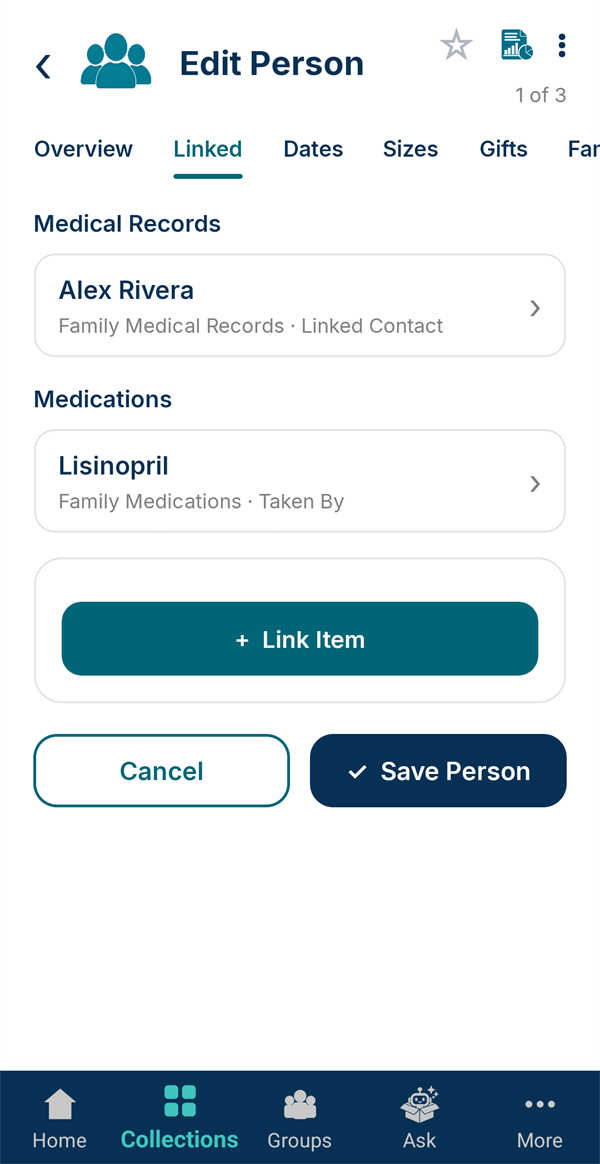
Open the person in People and switch to the Linked tab. Everything that names them is gathered here, with the field that links it, like "Taken By". Tap a row to open it.
-
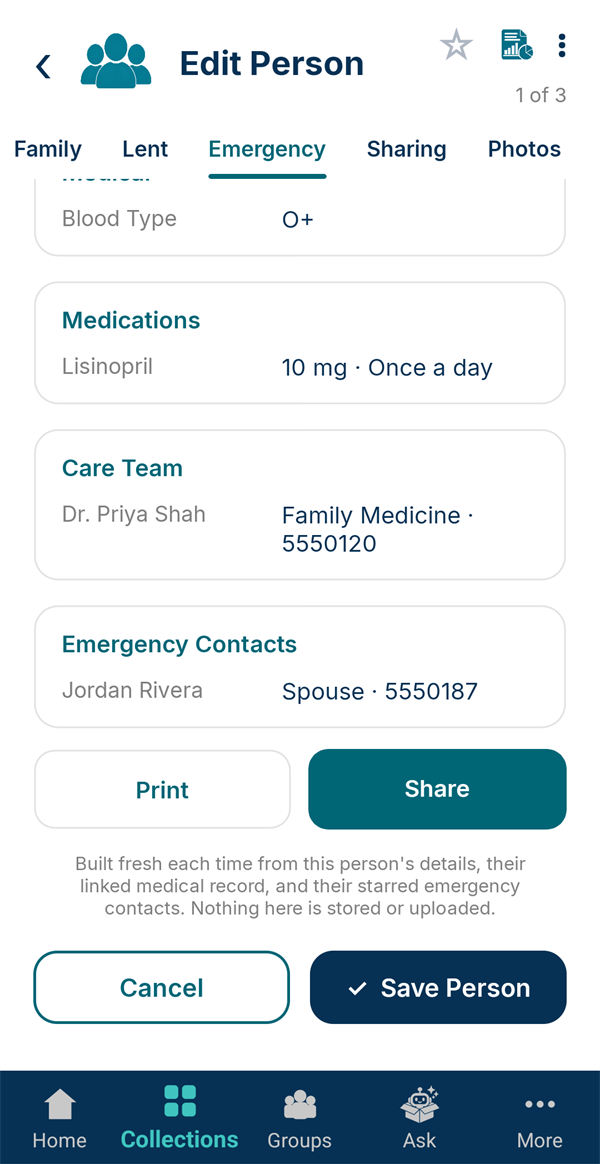
Check their emergency card
The Emergency tab builds a one-page card from everything linked to them: blood type, current medications with doses, their care team and emergency contacts. Choose what to include, then Print or Share it.
It's built fresh each time and never stored or uploaded.