

printStuf
Print-ready photos in seconds.printStuf turns the photos on your phone into perfectly sized prints. Pick your photos, choose a size, and print, save or share them. Heads don't get cut off, nothing gets stretched, and a 4×6 comes out exactly 4×6.
It's free, with no ads and no account, and it's made by the team that builds myStuf. (Yes, one "f", like myStuf.)
Get it onGoogle Play Coming soon onApp Store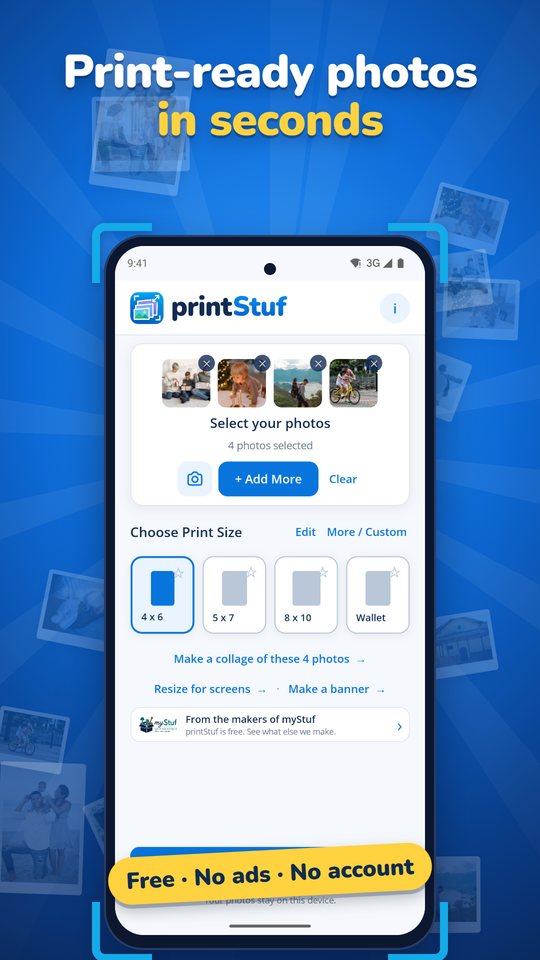
What it does
QuickSize
Choose photos and a size, and printStuf frames each one for you, matching portrait or landscape automatically. Print, save or share them all in one tap.
Frame it exactly
Drag, pinch or use the zoom slider. Straighten, rotate, switch between Fill and Fit, and undo any step. A live quality check warns you when a photo is too small to print sharply.
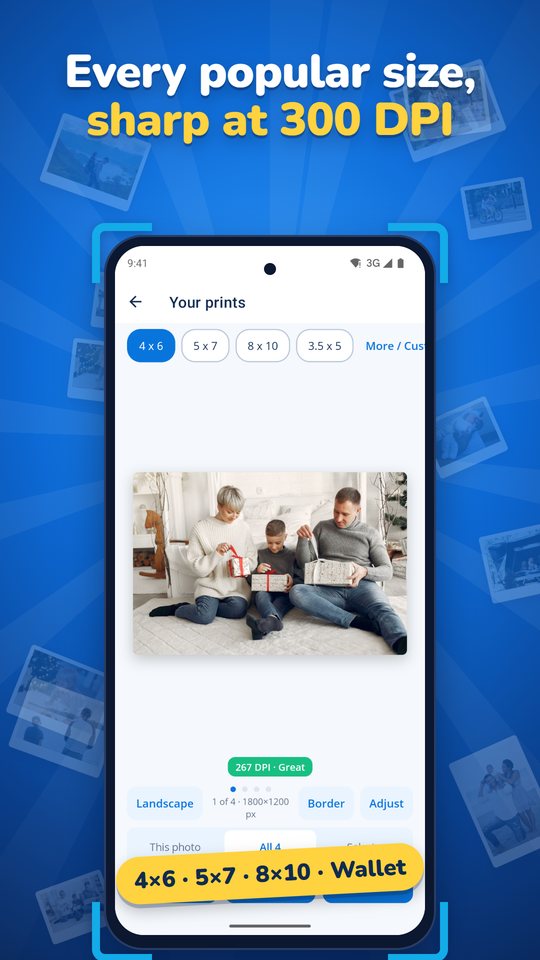
Every size you need
4×6, 5×7, 8×10, 3.5×5, wallet, squares and metric sizes, all at 300 DPI, plus any custom size. Pin your favourite sizes to the home screen.
Passport and ID photos
US 2×2 in, 35×45 mm, Canada and China sizes, with a head oval, eye line and chin guide to help you line them up.
Filters, borders & text
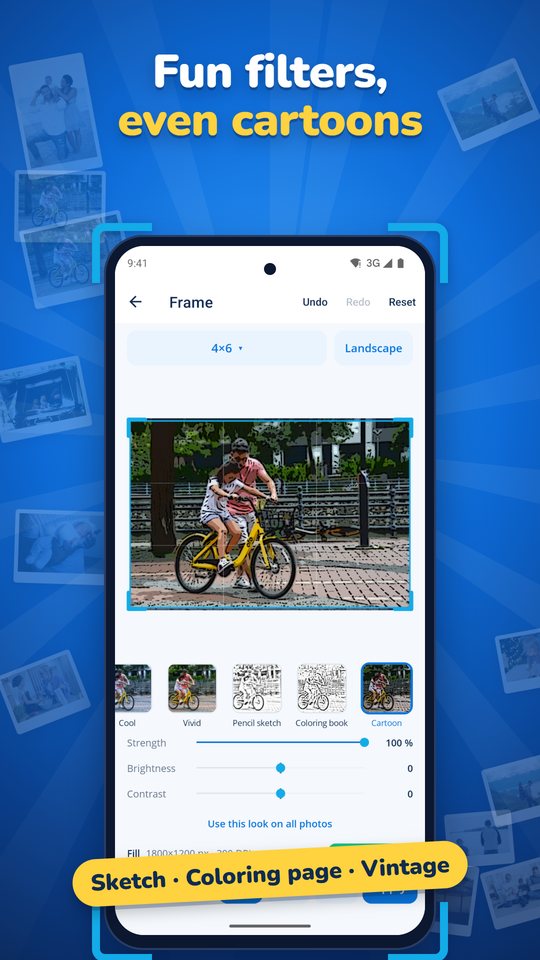
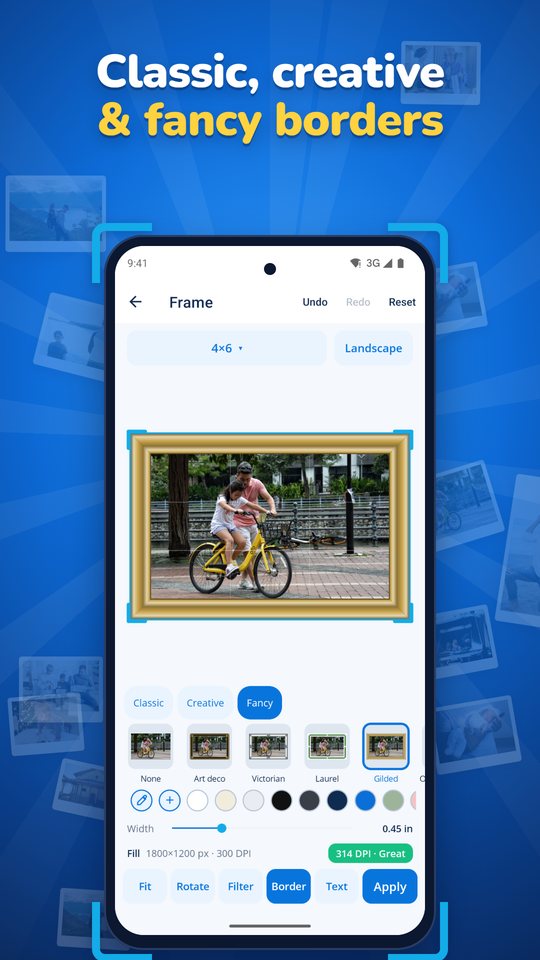
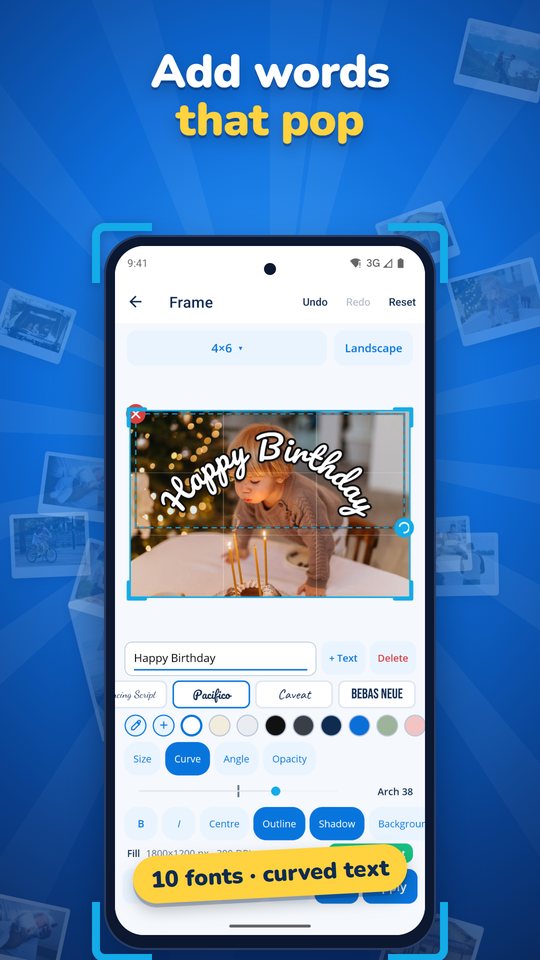
Black & white, sepia, vintage, pencil sketch, cartoon and a colouring-book page. Classic mats, Polaroid, torn paper, film strip, gilded and more. Ten fonts, curved text, outlines and shadows.
Resize for email & social
Shrink photos by pixels, percent or file size, or use presets for Instagram, Facebook, X, LinkedIn, YouTube and email. Save as JPEG, PNG or WebP.
Collages, posters & banners
Collages
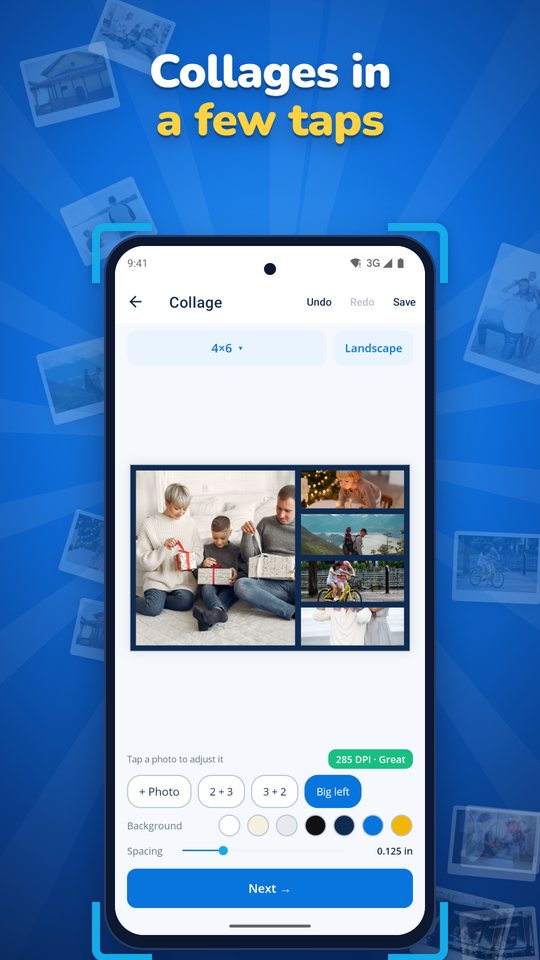
Lay out 2 to 9 photos on one print. Resize and move each frame, give each photo its own filter, and save the collage to finish later.
True-size printing
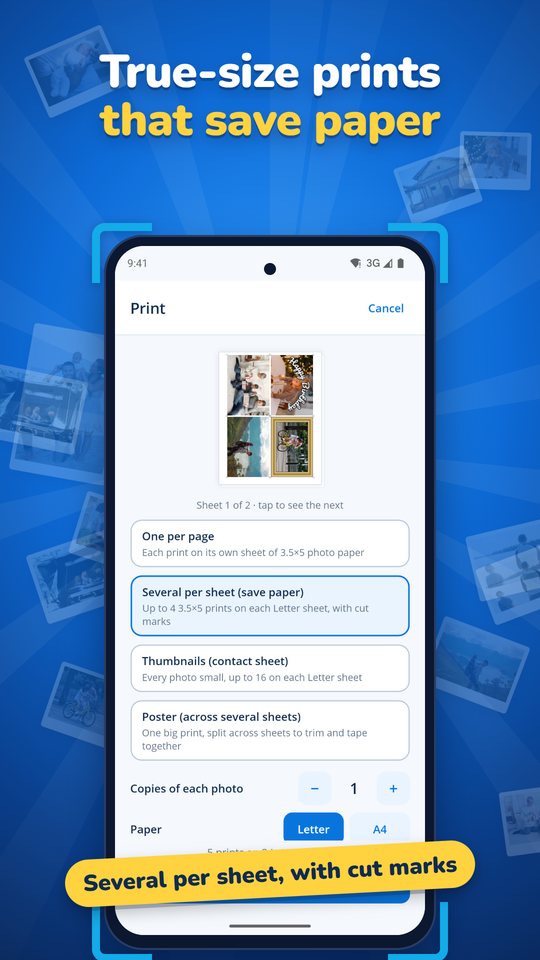
Print edge to edge on photo paper, or put several prints on one Letter or A4 sheet with cut marks to save paper. Or print a contact sheet of numbered thumbnails.
Posters & banners
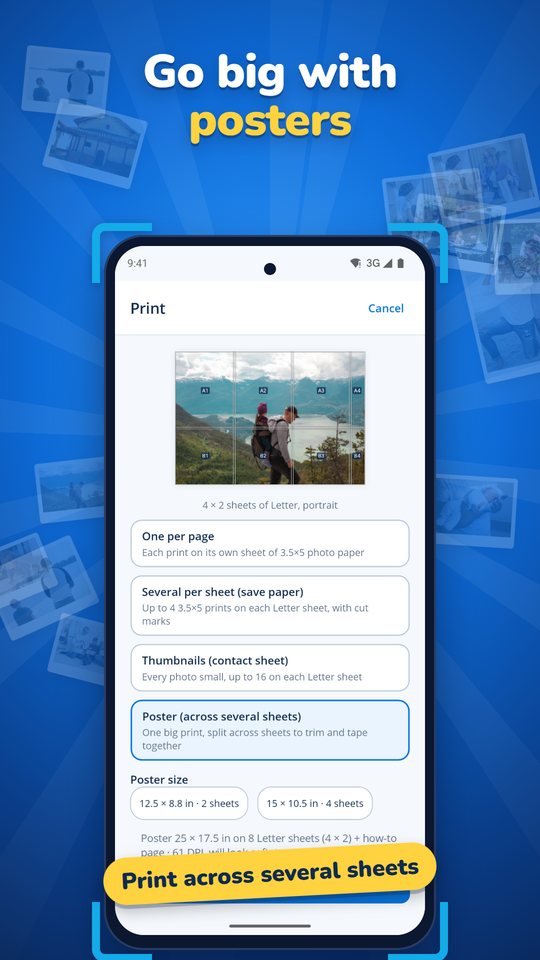
Spread any print across several sheets of ordinary paper, with guides for lining them up. Or type a few words and printStuf makes a banner as long as it needs.
How it works
Pick
Choose photos from your phone, or take one with the camera.
Size
Tap a print size. Adjust the framing, or add a filter, border or text if you like.
Print at true size, save to your gallery, or share. Your photos stay on your phone.
printStuf Privacy Policy
This privacy policy explains how the printStuf app for Android ("printStuf", "the app") handles your information. printStuf is published by myStuf (mystuf.app). The short version: printStuf does not collect, store on any server, sell or share any personal data. Everything the app does happens on your phone.
Information we collect
None. printStuf has no account or sign-in, no ads, no analytics, and no tracking. The app does not connect to the internet and has no servers that could receive your photos or information. We, the developer, never see your photos, prints or settings.
Photos and permissions
printStuf only uses what it needs to make your prints, and only when you ask it to:
- Photos. You choose photos with Android's photo picker. printStuf can only open the photos you pick. On Android 12 and older, the app asks for permission to read your photos so the picker can work.
- Camera. Used only when you tap the camera button to take a photo to resize and print. Camera access is requested when you first use it, and you can say no.
- Saving. When you tap Save, your finished prints are saved to your phone's gallery. On Android 9 and older, this needs permission to write to storage.
- Vibration. Used for small haptic taps as you use the editor.
Your photos are read and edited on your phone. Copies made while you work are kept in the app's private storage and are not sent anywhere.
Information stored on your phone
printStuf keeps your settings on your phone, such as your favourite and recent print sizes, custom sizes, print and border choices, and any collages you save to finish later. You can remove it at any time by clearing the app's storage in Android Settings, or by uninstalling printStuf.
Backups. Saved collages, including the copies of photos they contain, stay on your phone and are never included in Android backups or transfers to a new phone. Your settings (such as favourite sizes, custom sizes and your last border) may be included in your phone's backup to your Google account if Android backup is turned on, under Google's privacy policy. Photos you save go to the Pictures/printStuf folder on your phone. If you use a photo backup service such as Google Photos, it may back up that folder according to your settings and its own policy.
Sharing and printing
Your photos leave the app only when you choose to share or print them:
- Share uses Android's share sheet. The photo goes to the app or person you choose, and that app's own privacy policy applies.
- Print uses Android's built-in printing. The print is sent to the printer or print service you select, and that service's own privacy policy applies.
We don't share, sell or transfer your information to anyone, because we don't collect it.
Third-party services
printStuf contains no advertising, analytics or tracking software from other companies. Google Play may give us general app reports, such as crash and performance statistics, that Google collects under its own privacy policy and the settings on your device. These reports do not include your photos.
Data retention and deletion
Since we don't collect any data, there's nothing for us to keep or delete on our side. Everything printStuf stores is on your phone and is deleted when you clear the app's storage or uninstall the app. A copy of your settings in your Google account backup (see Backups above) is kept and deleted by Google under your backup settings. Photos you saved to your gallery stay there until you delete them.
Security
Because your photos and settings stay on your phone, they are protected by your phone's own security, such as its screen lock and encryption. Nothing is sent over the internet by the app.
Children
printStuf is a general-audience app and is not directed at children under 13. It does not knowingly collect personal information from anyone, including children.
Changes to this policy
If we change how printStuf handles information, we'll update this page and the effective date above before the change takes effect in the app.
Contact us
Questions about this policy or about printStuf? Email mystufapp@gmail.com.
From the makers of myStuf
printStuf is free, and always will be. It's our way of saying hello. If you like it, have a look at myStuf, the app that keeps all your stuff organized: your home, health, vehicles, recipes and more, in one place.
Get printStuf
printStuf is now available, free, on Google Play for Android phones. The iPhone version is coming soon to the App Store. Questions? Email mystufapp@gmail.com.